
Problem
Surface any data corruption issues
Solution
1. Post Crash
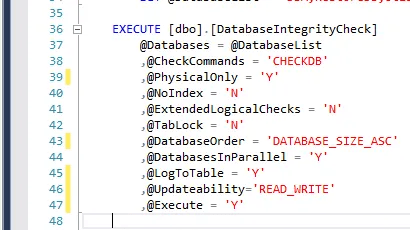
Run a fast extensive physical check to surface any corruption problems after server crash/reboot/restart (essentially SQL Server Engine service going down)
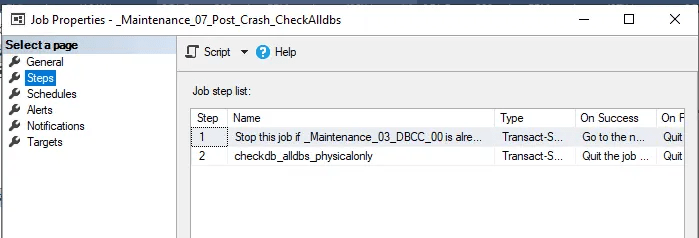
Regular Schedule: Every minute (works when SQL Server Engine was down longer than 5 minutes). Stop _Maintenance_07_Post_Crash_CheckAlldbs and/or _Maintenance_03_DBCC is running.
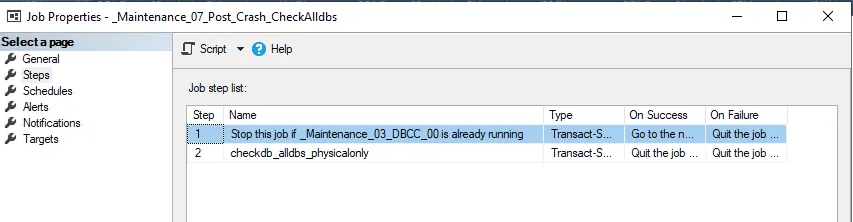
Solution: Native T-SQL using Ola Hallengren dbo.DatabaseIntegrityCheck procedure
2. Quick check
Run a fast, extensive physical check to surface any corruption problems
Regular Schedule: Occurs every week on Monday, Tuesday, Wednesday, Thursday, Friday at 10:05:00 PM.
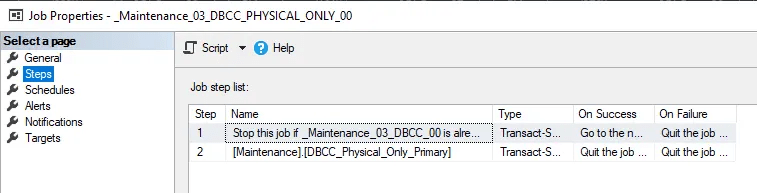
Stop _Maintenance_03_DBCC_PHYSICAL_ONLY_00 and/or _Maintenance_03_DBCC is running.
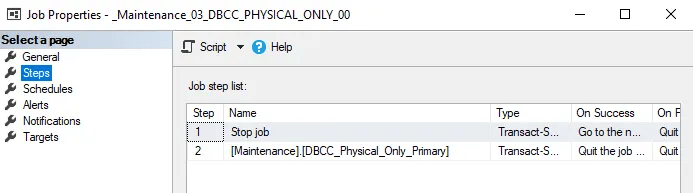
Solution: Native T-SQL
3. Normal check
Run a normal/regular check to surface any corruption problems
Regular Schedule: Occurs every week on Saturday at 10:05:00 PM.
Run only if EnableRemoteDBCC is not enabled. Additionally, stop _Maintenance_07_Post_Crash_CheckAlldbs and/or _Maintenance_03_DBCC_PHYSICAL_ONLY_00 if running.
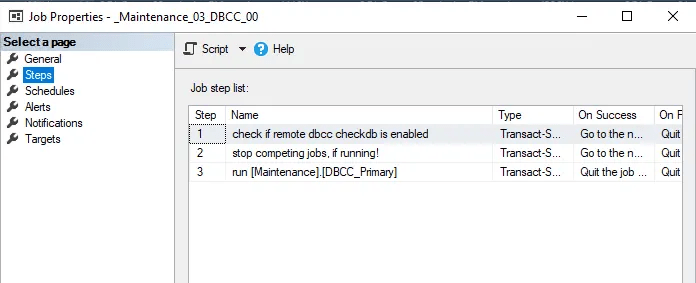
Solution: Native T-SQL
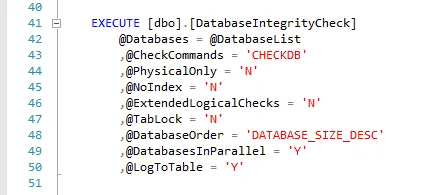
4. Extended Check
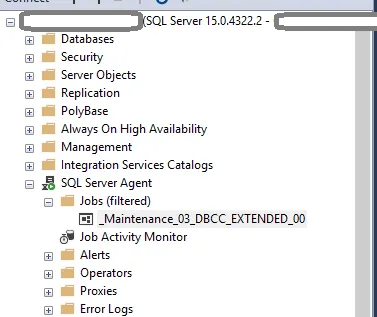
Using a separate dedicated server, follow the following steps:
- Create a linked server (if needed) and test the connection.
- Get a list of all servers to check
- Create linked servers (if needed) and test connections
- Run a jobified procedure:
- restore database from the latest full backup
- Run checkdb on all dbs (system databases excluded)
- drop database
- send email report once all databases on that server are completed
Regular Schedule: Occurs every week on Saturday at 10:05:00 PM.
Solution: Native T-SQL

 DataSteve